iPhone 13 Repair Services
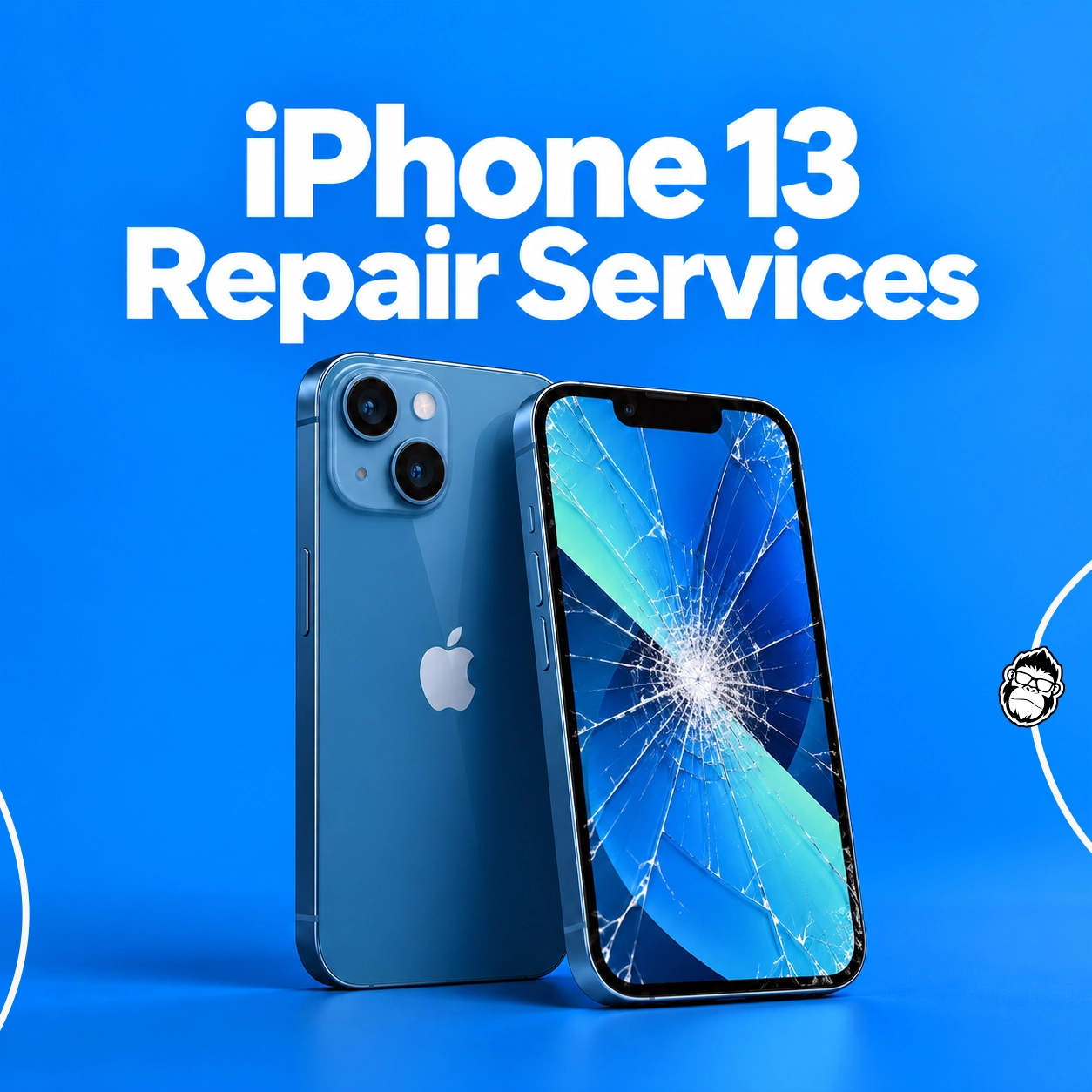
A phone repair often starts with a small irritation: charging twice before you get home, tapping the screen again because one corner missed your swipe, or finding every photo slightly out of focus. If that sounds like your iPhone 13, the model’s booking page can help match the symptom to an available repair. It lists the options and prices before you choose a store.
Why Choose iMobile UK?
A Free Diagnostic
No need to guess which part has failed. Start with a check, then decide whether to go ahead.
Prices Before You Book
Compare the iPhone 13 repair options and see the listed price before selecting an appointment.
A Store That Suits You
Check iMobile locations and choose a nearby store when you’re ready to book.
Common iPhone 13 Problems
Try to notice when the problem happens and whether it affects one feature or the whole phone. A little detail can make it easier for the technician to narrow things down.
Cracked Screen or Touch Fault
Look for more than a crack: flickering, coloured lines or one strip that misses your swipes can also mean the display is damaged. Avoid pressing the broken area and check whether an OLED screen replacement fits the fault.
Battery Drains Quickly
Open Settings, then Battery, to review Battery Health & Charging. That screen is a useful clue, although it won’t explain every sudden shutdown or fast drop in charge. Ask for a battery check if the change is noticeable.
Charging Is Unreliable
Try a cable and adapter that work with another device, then restart the phone. Avoid scraping the port with a pin. Charging trouble can have several causes; contact a store to confirm which repair options are available for iPhone 13.
Blurry or Unavailable Camera
Wipe the lenses with a soft cloth and test the front and rear cameras in more than one app. If the same camera still shows a black preview or cannot focus, it may need attention.
Cracked Back Glass or Cover
A small crack can spread, and loose glass can catch your fingers. Keep the phone dry and handle it carefully. The booking page separates back glass replacement from back cover repair, so check which description matches the damage.
Freezing or Software Trouble
When the phone freezes, restart it and check for an iOS update before assuming a part has failed. Save a backup before a reset, since it can erase data. If the glitches keep returning, ask for a diagnostic first.
iPhone 13 Repair Services and Prices
Here are the services currently listed for iPhone 13. The prices are useful for comparing options; confirm availability on the booking page, as parts and prices can change.
Prices and service availability can change. Check the iPhone 13 repair page for the latest details before booking.
Not Sure Which Repair You Need?
Start with iMobile’s free diagnostic service. It can help identify the fault and explain the available next steps, with no obligation to continue with a repair.
Protect Your iPhone After a Repair
Browse phone cases and accessories to help protect your iPhone 13 from everyday knocks and scratches.
Find an iMobile Store Near You
Book online or check the details for an iMobile store in your area. For more locations, visit the iMobile store finder.
Book Your iPhone 13 Repair
Choose a listed repair, select a store and check the appointment options online.