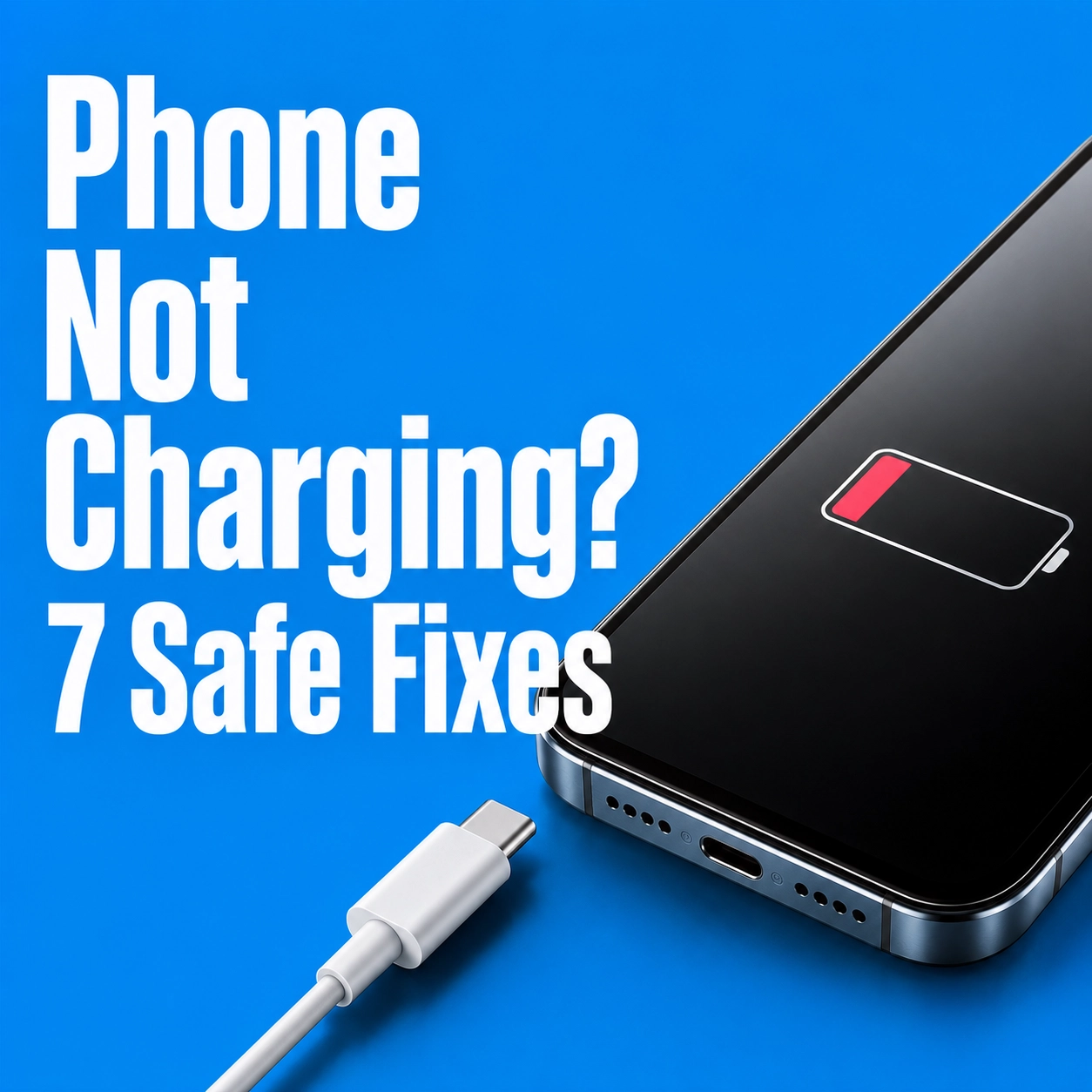
Why Is My Phone Not Charging? 7 Things to Check Before a Repair
Charging problems have dreadful timing. Perhaps you are heading out and the screen is stuck at 2%. You try the kitchen socket, borrow somebody else's cable, then start coaxing the plug into the one position that seems to work.
It is tempting to blame the battery. Often, though, the culprit sits outside the phone: a tired cable, fluff in the port or even the case. Heat and moisture can interfere as well. Give these checks a go before you pay for parts.
Why is my phone not charging?
A fault anywhere along this charging chain can look identical.
The usual causes include:
- A faulty socket, cable or adapter
- Dust or lint blocking the port
- A case preventing the plug from fitting properly
- Moisture in a USB-C or Lightning connector
- An overheated phone
- A battery-protection setting
- A worn battery or damaged charging port
Start with the accessories. They are easy to test and cheaper to replace.
Quick clues from the way it charges
| What happens | What to check first |
|---|---|
| One cable works and another does not | The cable or adapter |
| It charges only when held at an angle | Debris, cable wear or port damage |
| Wireless charging works but the cable does not | The cable, adapter or port |
| It reaches 80% and stops | Temperature or a battery-protection setting |
1. Try another wall socket
Plug a lamp or another device into the same socket. Charging from a laptop, car or power bank? Try a reliable wall socket instead.
2. Test a different cable and adapter
Charging cables can break internally while looking fine outside. Test a second cable and compatible adapter that charge another device.
Stop using a cable with exposed wire, dark marks, a bent connector or an unusually hot plug. If the replacement works, you do not need a phone charging port repair.
3. Remove the case and restart the phone
A badly aligned case can prevent the plug from fitting properly. Remove it and reconnect the charger.
Restart the phone as well. Then connect a tested charger for at least 30 minutes. A flat battery may take several minutes to respond.
4. Inspect the charging port carefully
Pocket lint can hide inside the port and prevent the plug reaching the contacts.
Turn the phone off and use a bright light. Keep pins, metal tweezers and liquid cleaner well away. If the fluff will not lift without scraping, leave it alone and ask a repair technician to take a look.
That awkward cable angle may buy another minute of power, but repeatedly leaning on the plug can make matters worse.
5. Let moisture dry naturally
An iPhone may show a liquid alert; a Samsung may display a water-drop icon. In either case, unplug it. The phone is deliberately refusing a wired charge while the connector may be wet.
Set it somewhere dry with a little natural airflow, port facing down, and allow the cable to dry separately. Rice is not the answer. Neither is a hairdryer, heater, compressed air or a cotton bud pushed into the socket.
Some supported phones can still charge wirelessly once the back is dry. Does the warning return later? That is the point to arrange an inspection.
6. Allow an overheated phone to cool
A hot phone may pause charging for its own protection. Take off the case, move it out of the sun and give it time to cool on a hard surface.
The fridge is not a shortcut; a rapid temperature change can create condensation. A phone that keeps heating up while doing very little needs to be checked.
7. Check battery and charging settings
A phone that stops at 80% may be working as designed. Recent iPhones use Optimised Battery Charging and optional charge limits. Samsung Galaxy phones have Battery Protection settings, while supported Android devices may also adjust charging to reduce battery wear.
Check the battery menu first. Fast drain, unexpected shutdowns or a service warning may indicate battery wear.
How do I know if my charging port is damaged?
Try two cables that work elsewhere. If both feel loose, fall out or lose connection whenever the phone moves, the port deserves a closer look. Wireless charging that works normally while cable charging fails is another useful clue.
It may only need careful professional cleaning.
Is it the battery or the charging port?
Watch what happens after power reaches the phone. A failing battery may lose charge quickly, shut the handset down without warning or begin to swell.
A lifting screen or back cover is not something to ignore. The same goes for a strange smell or extreme heat. Unplug the phone, stop using it and never press a swollen casing flat.
How much does charging port repair cost in the UK?
There is no honest one-price answer because the work varies by model. One phone may need a careful clean; another needs a new charging assembly. A fault deeper on the circuit board is a different job again.
Choose your model on iMobile phone repair booking page to see the available repairs and current prices. Not sure what has failed? Start with the free diagnostic option.
Get your phone charging again
Still getting nowhere after changing the socket, cable and adapter? An iMobile technician can check the port, battery and charging system across many iPhone, Samsung, Google Pixel and Android models.
For an unresponsive phone, choose a free diagnostic instead of guessing at the part.
Frequently asked questions
Why is my phone not charging even though it says it is?
Sometimes the charger is supplying only a trickle while apps and the screen use just as much. Swap in a tested wall adapter and cable, close demanding apps and see what happens once the phone is cool.
How can I clean my phone charging port safely?
Switch it off and look into the connector under a bright light. Do not poke around with metal or add cleaning liquid. Stubborn, packed-in fluff is a job for somebody who can see and protect the contacts.
Why does my phone only charge at a certain angle?
Lint may be stopping the plug from reaching home, although the lead or port could also be worn. Try another cable. Still balancing it at an odd angle? Stop forcing it and get the socket inspected.
Can a damaged charging port be repaired?
Quite often. The answer depends on the model and what the technician finds, but cleaning or replacing the charging assembly can spare you the cost of another handset.
Why is my phone charging slowly?
Begin with the boring suspects: a weak adapter, a worn cable, heat or fluff in the port. Heavy apps and charging settings matter too. Test the accessories, put the phone down for a while and compare the result.